Published
- 2 min read
A cheat sheet of python memory model
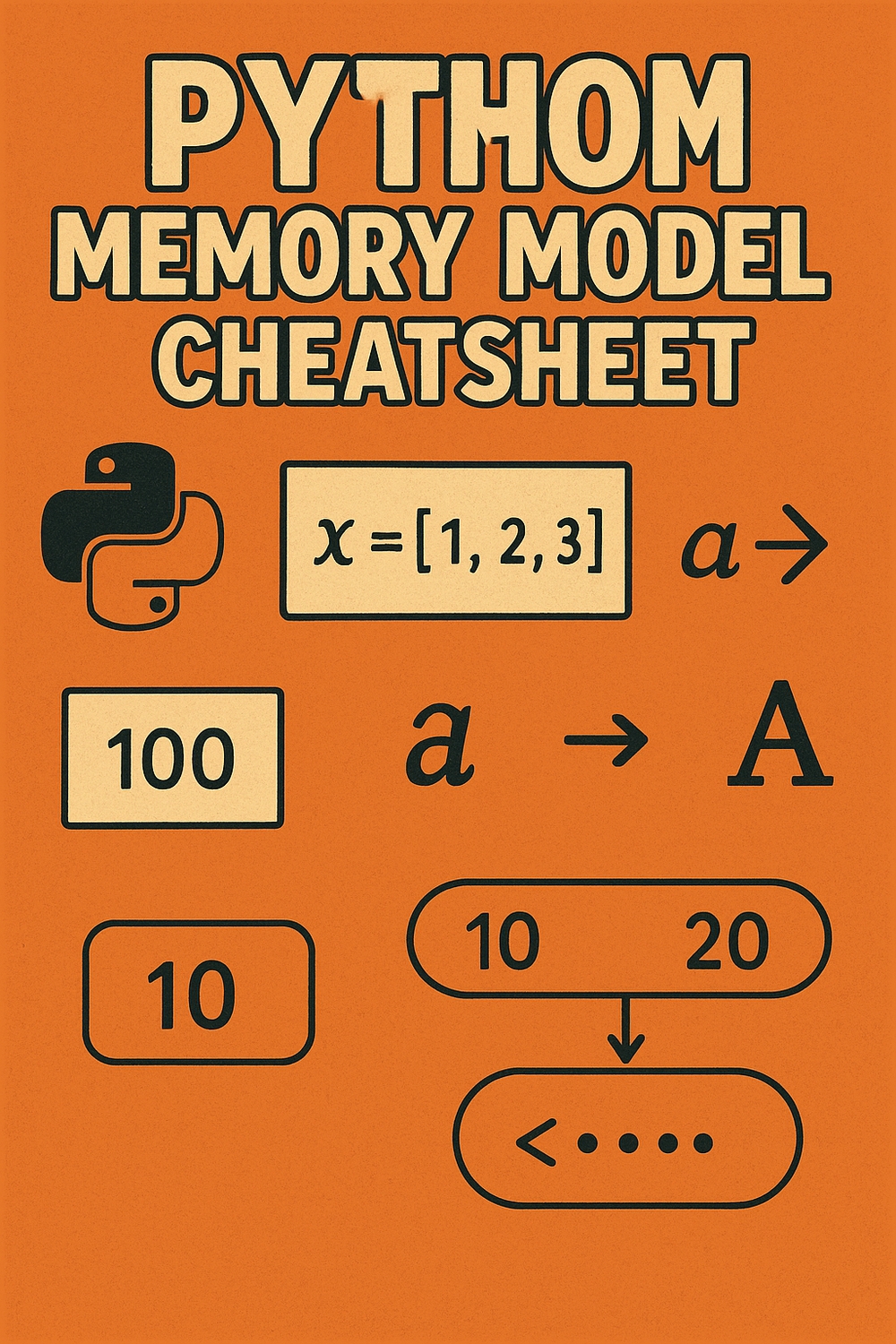
Everything is an Object
In Python, just like Ruby, everything is an object.
Every variable is essentially a reference to an object in memory. For example:
x = 5 # Here 5 is the objectMutable vs Immutable Types
There are mutable types and immutable types in Python.
Immutable Data Types
- Strings
- Numbers (integers, floats, complex)
- Frozen sets
- Bytes
- Booleans
Mutable Data Types
- Lists
- Class instances/objects
- Dictionaries
- Sets
- Byte-arrays
Easy Way to Remember
If that is hard to remember, just remember that any object that is a container (i.e., it holds other atomic types such as numbers, bytes, booleans, chars) are mutable — except strings.
Modifying Objects
Obviously, you cannot modify an immutable object, but you can always re-initialize it.
During re-initialization:
- All existing references still point to the old memory location and contain the same object
- When one reference is redefined to a new value, it points to a new object in memory
- GC (Garbage Collector) clears the old object in the background
Operations Affecting Memory
Creating New Objects vs Modifying In-Place
Creates a new list — + operator returns a new object:
new_list = old_list + [1]Modifies existing list — append() is an in-place operation:
old_list.append(1)General Rule
The data-type operations that return a value create a new object, and the ones that don’t return a value modify the same object.
Common Operations That Create New Objects
List Multiplication (*): Creates a new list by repeating the original list’s elements.
Slicing ([:], [start:end]): Creates a new list containing a portion of the original. Elements are references to the original objects.
String Methods: upper(), lower(), replace() create new string objects.
Memory Allocation
You don’t need to care about whether an object is allocated on the stack vs the heap.
But since the size of Python data types can be extended, objects are usually stored on the heap. Only local variables in functions are stored on the stack.
Copying in Python
Immutable Objects
No need to copy. References suffice.
Mutable Objects
Shallow Copy (copy.copy()): New collection, same element references.
Deep Copy (copy.deepcopy()): New collection, recursively copies all objects.
When to Copy
Copying is needed to modify without affecting the original.